What's New in n8n 2.0: Security, Performance & More
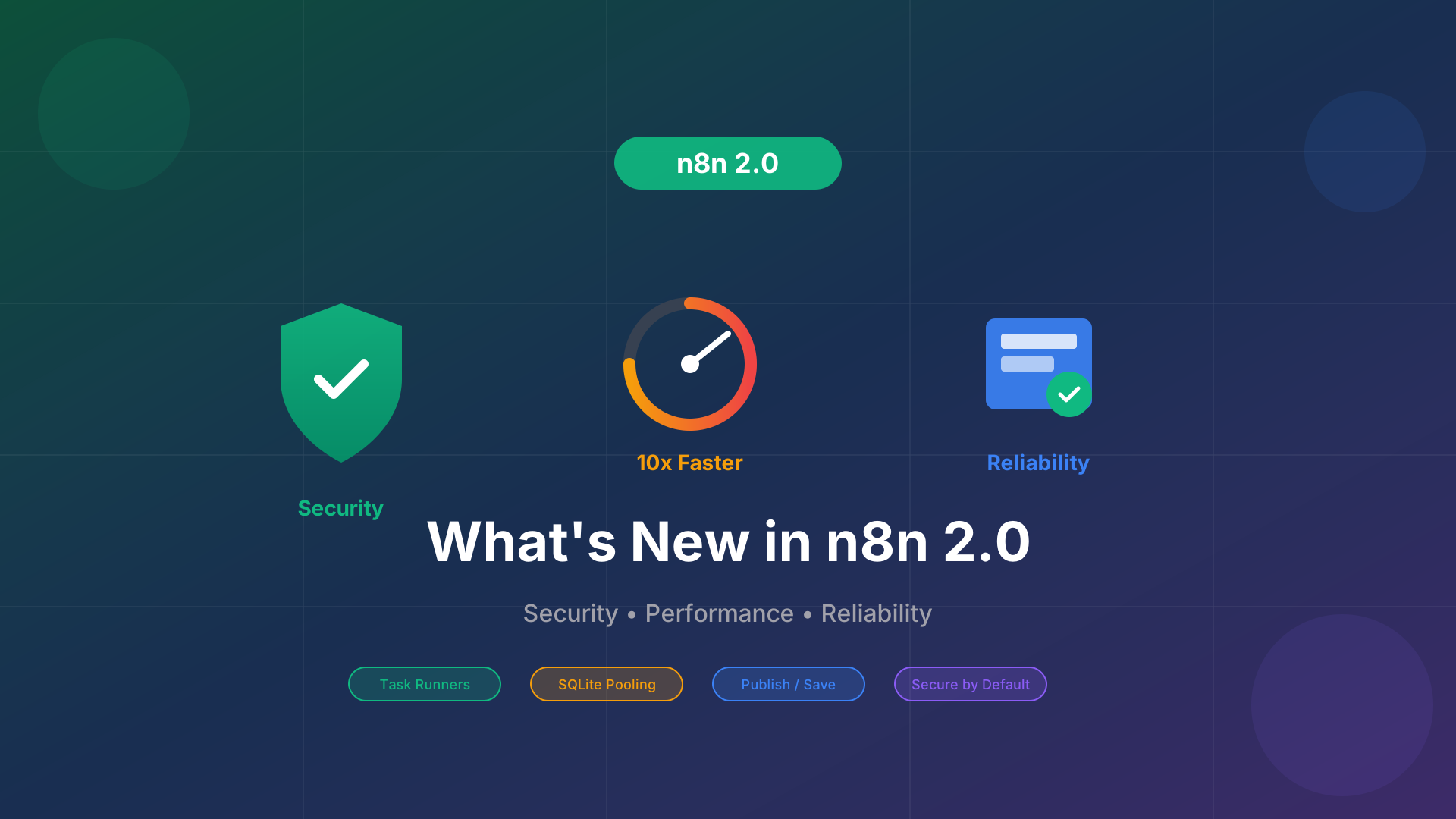
n8n 2.0 has arrived, and it's not your typical major version release. Instead of flashy new features, the team focused on what matters most for enterprise automation: security, reliability, and performance. Here's everything you need to know about this significant update.
Why n8n 2.0?
Since n8n 1.0 launched in July 2023, the platform has grown from 30,000 to over 160,000 GitHub stars. The community expanded from 6,267 to 115,192 forum members. With this growth came the need for improvements that required breaking changes—updates that couldn't ship without a major version bump.
Version 2.0 incorporates all these accumulated improvements, positioning n8n as a true enterprise-grade automation platform. Going forward, the team plans to ship one to two major versions per year, enabling faster iteration without long delays.
Security First: Secure by Default
The biggest theme in n8n 2.0 is "secure by default." The platform now ships with tighter security defaults across the board, making it significantly more secure out of the box.
Task Runners Enabled by Default
The most significant security change is that task runners are now enabled by default. This means all Code node executions run in isolated environments with limited access. Previously, code could potentially access sensitive system resources. Now, each execution is sandboxed for maximum security.
Environment Variable Protection
Environment variables are now blocked from Code nodes by default. This prevents accidental or malicious access to sensitive configuration data like API keys, database credentials, and other secrets stored in environment variables.
Dangerous Nodes Disabled
Nodes that allow arbitrary command execution—specifically ExecuteCommand and LocalFileTrigger—are now disabled by default. These powerful nodes posed security risks in shared or multi-tenant environments. If your workflows rely on these nodes, you can still enable them explicitly through configuration.
Reliability: Safer Workflow Management
n8n 2.0 introduces several reliability improvements that make managing production workflows safer and more predictable.
The New Publish/Save Paradigm
This is one of the most impactful changes for daily workflow management. In version 1.x, saving an activated workflow instantly updated production. This created risk—a typo or incomplete change could immediately affect live operations.
In version 2.0, the Save button preserves your edits without changing what's live. A new Publish button provides a separate, explicit action to update the live version when you're ready. This separation enables:
- Safe experimentation: Test changes without affecting production workflows
- Review before deploy: Verify your changes work correctly before going live
- Autosave foundation: This change paves the way for autosave, coming in January 2026
Fixed Sub-Workflow Issues
Sub-workflows with Wait nodes now correctly return data from the end of the workflow instead of the input to the Wait node. This fix eliminates a confusing edge case that caused unexpected behavior in complex automation chains.
Cleaned Up Legacy Options
The team removed nodes for services that no longer exist and deprecated legacy options that caused edge-case bugs. Less optionality means fewer edge cases and more predictable behavior across all workflows.
Performance: Faster and More Stable
While n8n 2.0 doesn't claim dramatic speed improvements across the board, it removes several bottlenecks that caused slowdowns in real-world usage.
10x Faster SQLite Performance
The new SQLite pooling driver delivers up to 10x faster performance in benchmarks. For self-hosted instances using SQLite as their database, this translates to noticeably faster workflow execution and UI responsiveness.
Optimized Binary Data Handling
Filesystem-based binary data handling is now more predictable under load. The in-memory mode has been removed to prevent crashes that occurred when processing large files or high volumes of binary data. This change ensures stability even during intensive operations.
Better Resource Management
Task runners, while primarily a security feature, also provide better isolation and resource management. Each code execution runs in its own environment, preventing one workflow from consuming resources needed by others.
UI/UX Improvements
Beyond the core improvements, n8n 2.0 includes several quality-of-life enhancements to the user interface.
Refined Canvas Experience
The workflow editor canvas received subtle refinements that make it look and feel better. The team is working on further improvements to the visual design, including updated node styling and connection animations.
Reorganized Sidebar Navigation
The sidebar has been reorganized to make it easier to find what you need. Settings, credentials, and other frequently accessed items are now more logically arranged, reducing the clicks needed to navigate the interface.
Migration Made Easy
Upgrading to n8n 2.0 requires attention to breaking changes, but the team has made the process as smooth as possible.
Migration Report Tool
A built-in Migration Report tool shows exactly which workflows and configurations need attention before upgrading. The report organizes issues by severity—critical issues that will break workflows, and medium/low severity items that can wait. Once you've addressed all critical issues, you're ready to upgrade.
Continued v1.x Support
Version 1.x will continue receiving security and bug fixes for three months after the 2.0 release. This gives teams time to plan and execute their migration without rushing.
What This Means for n8n Builder Users
If you're using n8n Builder to generate workflows, the good news is that AI-generated workflows are fully compatible with n8n 2.0. The Publish/Save paradigm actually makes n8n Builder even more useful—you can generate and import workflows, then safely test them before publishing to production.
The security improvements in n8n 2.0 also complement AI-generated workflows. Task runners ensure that any code generated by AI runs in isolated environments, providing an additional layer of protection.
Getting Ready for n8n 2.0
Ready to upgrade? Here's your checklist:
- Review breaking changes: Check the official migration guide for all changes that might affect your workflows
- Run the Migration Report: Use the built-in tool to identify issues specific to your instance
- Test in staging: If possible, test the upgrade in a non-production environment first
- Plan your timeline: You have three months of v1.x support, so take the time you need
n8n 2.0 represents a maturation of the platform—prioritizing the stability and security that enterprise users demand. Whether you're running critical business automations or experimenting with new workflows, these improvements make n8n a more reliable foundation for your automation needs.